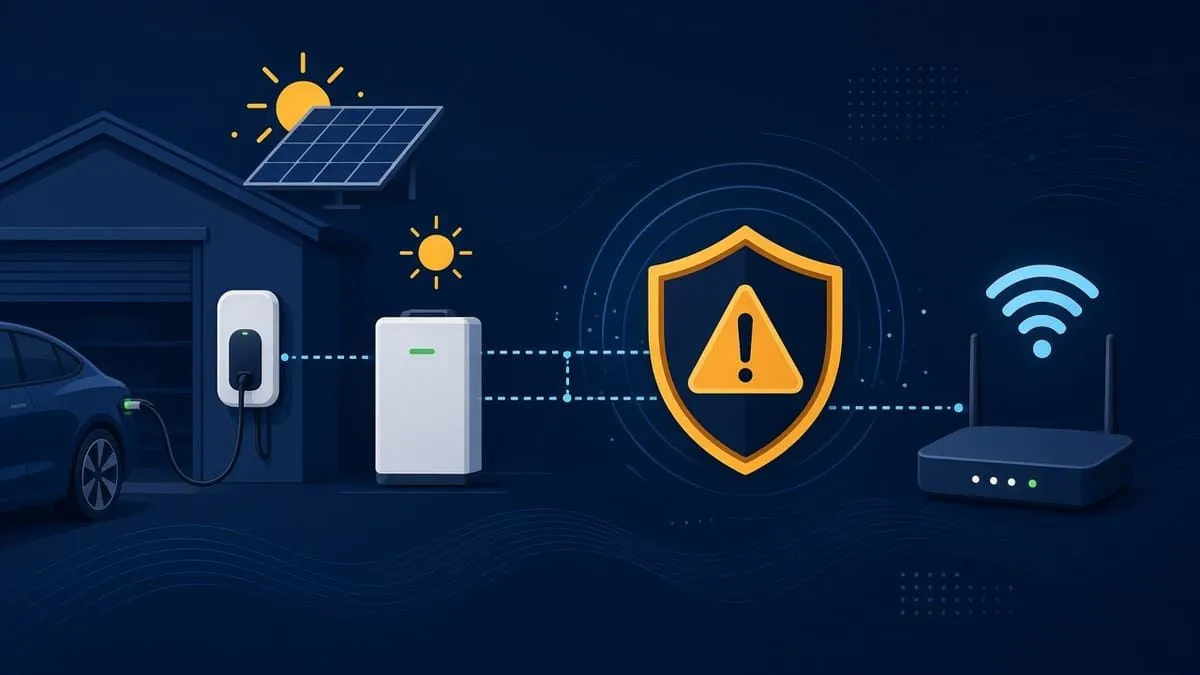
Retail “Wi-Fi jammer” gadgets marketed to burglars are usually 802.11 deauthentication tools, not broadband RF jammers. A deauth attacker forges management disconnect frames; on WPA2 networks without Protected Management Frames (802.11w) enforced, those frames can knock app-connected gear offline while the rest of the LAN keeps working. WPA3-Personal makes PMF mandatory, which blocks classic deauth attacks against the Wi-Fi link. A true RF jammer still disrupts any wireless device on any WPA version — no consumer Wi-Fi setting fixes that.
EV chargers, home batteries, solar controllers, smart electrical panels, and Starlink satellite kits often sit on the same LAN as payroll, client files, and ranch accounting systems. Vendor docs show a pattern: 2.4 GHz–only Wi-Fi, WPA2-era security (sometimes with flaky WPA3 mixed-mode behavior), commissioning hotspots, and Bluetooth paths with weak defaults. Treat this gear as untrusted IoT: prefer Ethernet, isolate it on its own SSID/VLAN, disable radios you do not need, change default PINs, and patch firmware on a schedule you control.
Last checked: November 2, 2026. We verified claims against vendor manuals, CVE/NVD records, and independent domain audits — not against any single customer site.
Related: Typhur kitchen Wi-Fi baseline · LG ThinQ kitchen Wi-Fi · Smart kitchen WPA3 hub · IoT camera WPA3 hub · Musk-company email audits (includes starlink.com — not Subaru STARLINK telematics)
Snapshot
| Field | Detail |
|---|---|
| Scope | Tesla Universal Wall Connector, Powerwall 3, SPAN panel, Victron Cerbo GX, ECO-WORTHY app batteries (example), Starlink Gen 3 router / Standard / Mini |
| Wi-Fi theme | 2.4 GHz common; WPA2 documented; WPA3 often missing or problematic on chargers |
| Wired escape hatches | Powerwall 3, Cerbo GX, SPAN document Ethernet; Universal Wall Connector has no Ethernet port |
| Domain audits (Nov 2, 2026) | tesla.com 66% · starlink.com 87% · victronenergy.com 68% · span.io 52% — 100% is the ideal |
| Account MFA | Mixed — see MFA section below |
Device-by-device Wi-Fi and Bluetooth security
| Device | Wi-Fi band / security | Wired option | What to do |
|---|---|---|---|
| Tesla Universal Wall Connector | 2.4 GHz only (802.11b/g/n); joins WPA2/3-secured, 2.4 GHz infrastructure networks per Tesla; hosts a WPA2 setup hotspot during commissioning (install manual, local network) | No Ethernet | Dedicated WPA2-Personal–only 2.4 GHz SSID on an IoT VLAN; keep firmware current (26.2.x reportedly fixes WPA3 field issues — Not a Tesla App, unofficial); disable unused hotspot after setup |
| Tesla Powerwall 3 | 2.4 GHz and 5 GHz Wi-Fi; Tesla consumer help lists WEP/WPA1/WPA2 personal for Wi-Fi setup — WPA3 not stated (connecting Powerwall Wi-Fi) | Ethernet, LTE | Prefer Ethernet to home router; if Wi-Fi is required, same isolated segment as Wall Connector when using Powershare |
| SPAN smart panel | Wi-Fi plus Ethernet recommended primary wired connection; plan Ethernet during construction (install manual PDF) | Ethernet (recommended) | Pull Cat6 to the panel; use Wi-Fi only as backup; monitor SPAN VDP |
| Victron Cerbo GX | 2.4 GHz only; documents WEP, WPA, and WPA2 (no WPA3); built-in Wi-Fi access point enabled by default; Bluetooth toggle (Cerbo GX manual) | Ethernet | Ethernet to GX; disable AP if unused; patch Venus OS (e.g. v3.85 security release — community post); change VictronConnect Bluetooth PIN from default 000000 after PUK reset (VictronConnect help) |
| ECO-WORTHY Bluetooth batteries (example) | App manual describes Bluetooth control without login and no PIN on some kits (user manual PDF) | Varies by SKU | Treat as open Bluetooth unless your exact model docs say otherwise; one App Store user report claims anyone in range can connect (ECO-WORTHY app listing) — user report, not vendor confirmation; do not assume all models behave the same |
| Starlink Gen 3 router / Standard / Mini | Spec sheets list Security: WPA2 (Gen 3 router, Standard kit, Mini); Router 4 announced with Wi-Fi 7 and WPA2/WPA3 per PCMag reporting (Router 4 article) — not a US shop price at publication | Dish Ethernet; bypass mode with your router | Put Starlink on its own segment; in bypass mode use a WPA3-capable router you control; patch router/dish firmware when Starlink pushes updates |
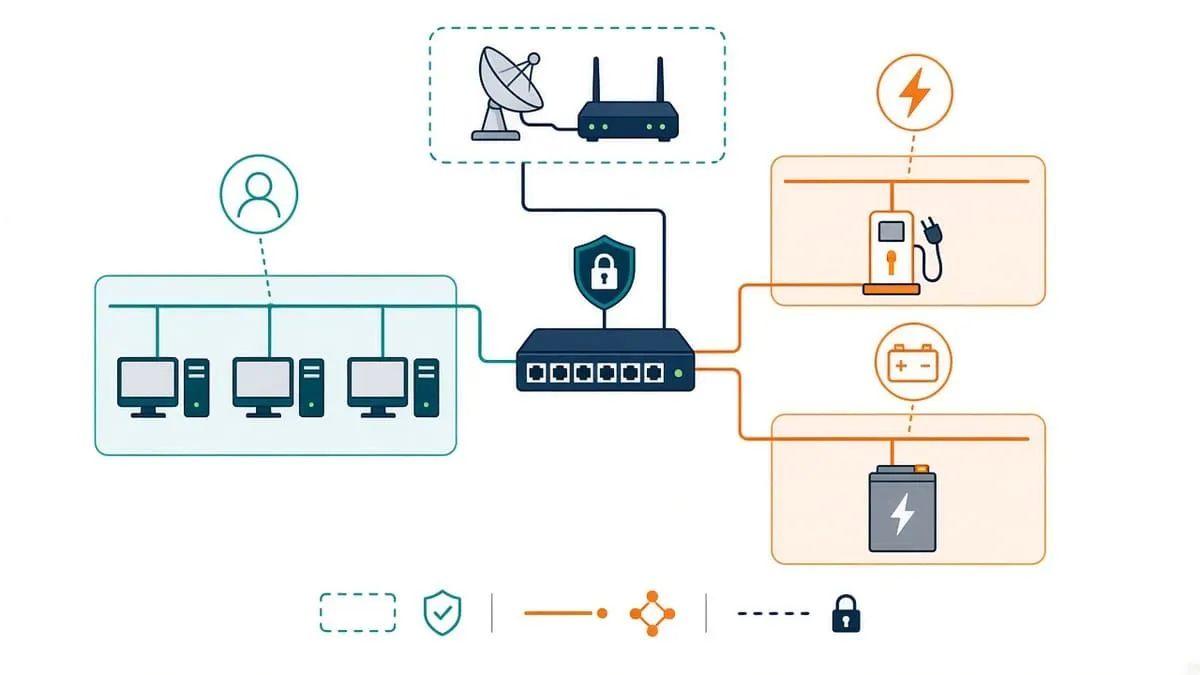
Illustration only — not a vendor topology diagram.
Wi-Fi security risks: WEP through WPA3
The product tables in this post describe what each vendor publishes about its gear. Separately, every owner should understand how legacy Wi-Fi security modes fail in the real world. Attacks differ: some require capturing traffic and offline guessing; others require only radio range and affect availability — not decryption.
WEP and WPA (TKIP)
WEP (Wired Equivalent Privacy) was broken years ago: passive capture plus commodity tools can recover a WEP key in minutes on busy networks. The Wi-Fi Alliance and industry guidance treat WEP as obsolete — do not operate IoT or cameras on WEP. WPA with TKIP replaced WEP but is also deprecated; modern certification programs expect AES (CCMP) and WPA2 or WPA3.
WPA2-Personal (PSK)
WPA2-PSK is still common on routers and IoT SSIDs. Its weaknesses are well documented:
- Offline passphrase attacks. An attacker who records a valid 4-way handshake or a router PMKID (where the AP exposes it) can attempt offline dictionary attacks against the passphrase. Short or reused passwords fall quickly; a long, random passphrase makes offline guessing impractical in practice. This is realistic on WPA2-PSK when the password is weak — not when the passphrase is strong.
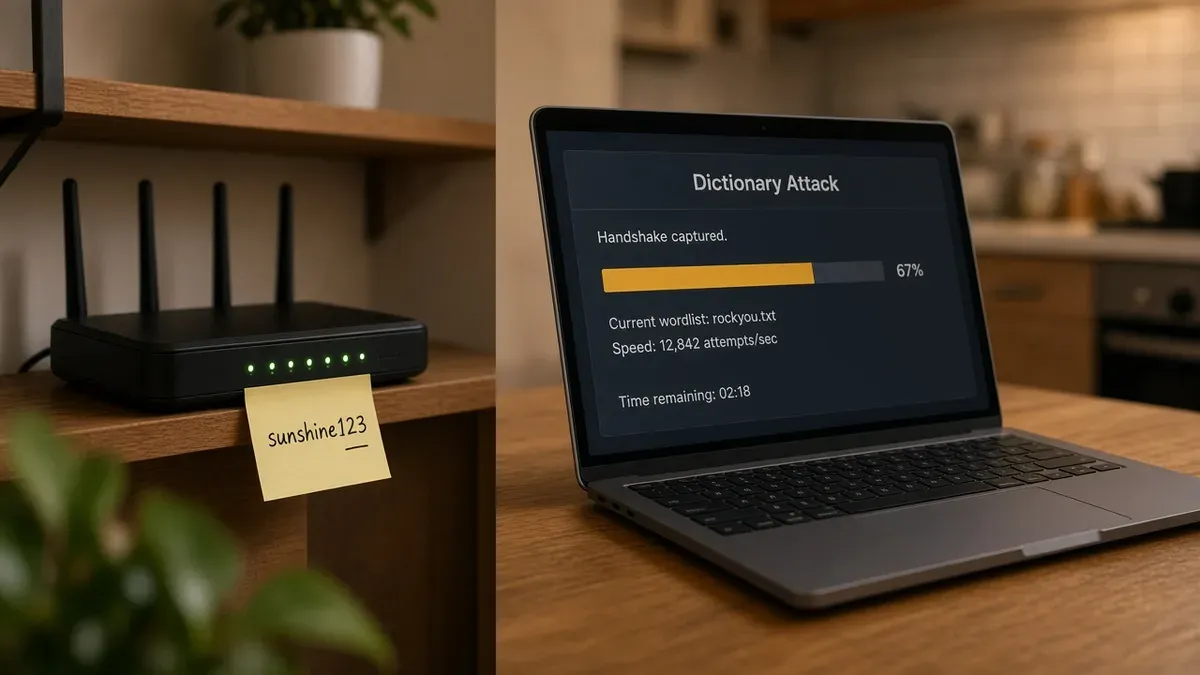
Illustration: a captured handshake plus a guessable passphrase — not a substitute for router sticker photos in real incidents. - Neighbors or guests on your PSK. Anyone with the Wi-Fi password can join the LAN like a trusted device. That often means their traffic exits through your public IP address, which can complicate abuse complaints or law-enforcement inquiries. Segment IoT and rotate the passphrase if you suspect sharing — see NIST WLAN guidance below.
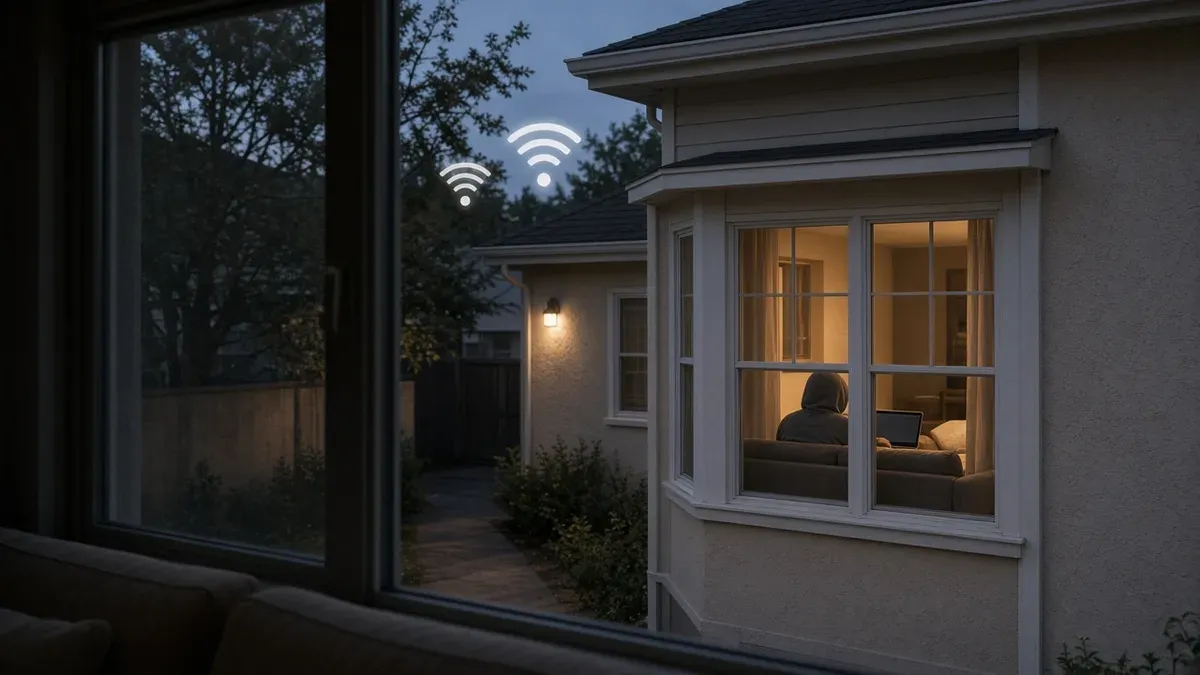
Shared passwords are convenient; they also mean your IP can carry someone else’s activity. - On-LAN reach to your devices. Joining the Wi-Fi does not automatically grant control of every camera, oven, or laptop. It does place an attacker on the same broadcast domain, where they can probe for unpatched firmware, default credentials, and unencrypted local traffic. VLANs, guest networks, and device updates reduce that exposure.
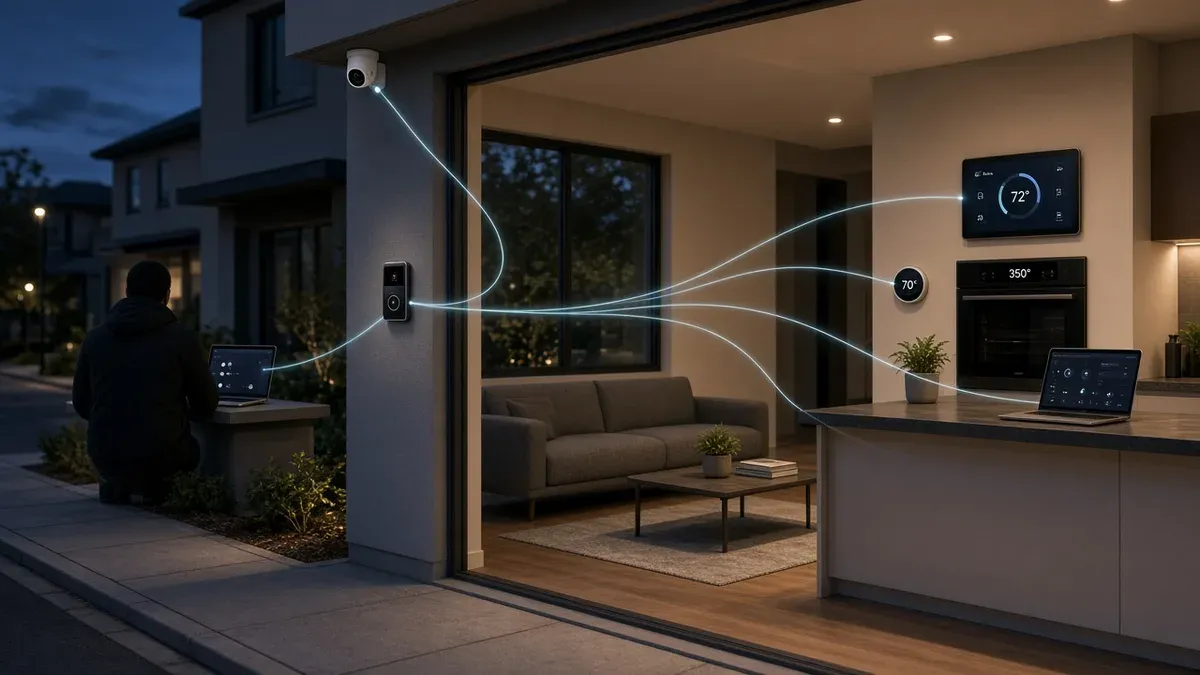
Being on the LAN enables probing and targeted attacks — not instant ownership of every gadget. - KRACK (2017). Research by Mathy Vanhoef showed that some WPA2 implementations could reinstall encryption keys during the handshake, enabling traffic manipulation or decryption on unpatched clients. Most vendors shipped fixes in 2017–2018, but forgotten IoT firmware may still have unpatched firmware. KRACK requires proximity; it is not the same as guessing a weak password. Primary reference: krackattacks.com · CERT VU#228519.
- No forward secrecy on PSK networks. With WPA2-Personal, anyone who knows the passphrase and has stored ciphertext can decrypt those captured frames later. WPA3-Personal (SAE) adds forward secrecy for sessions after pairing — see Wi-Fi Alliance WPA3 materials.
- Deauthentication and disassociation. Classic management frames can knock a client offline when Protected Management Frames (802.11w / PMF) are not enforced. That is an availability attack: it does not by itself decrypt video or credentials, but it can blind a camera or doorbell until it reconnects — the scenario behind many “Wi-Fi jammer” thefts. PMF and WPA3 are the practical mitigations on supported gear.
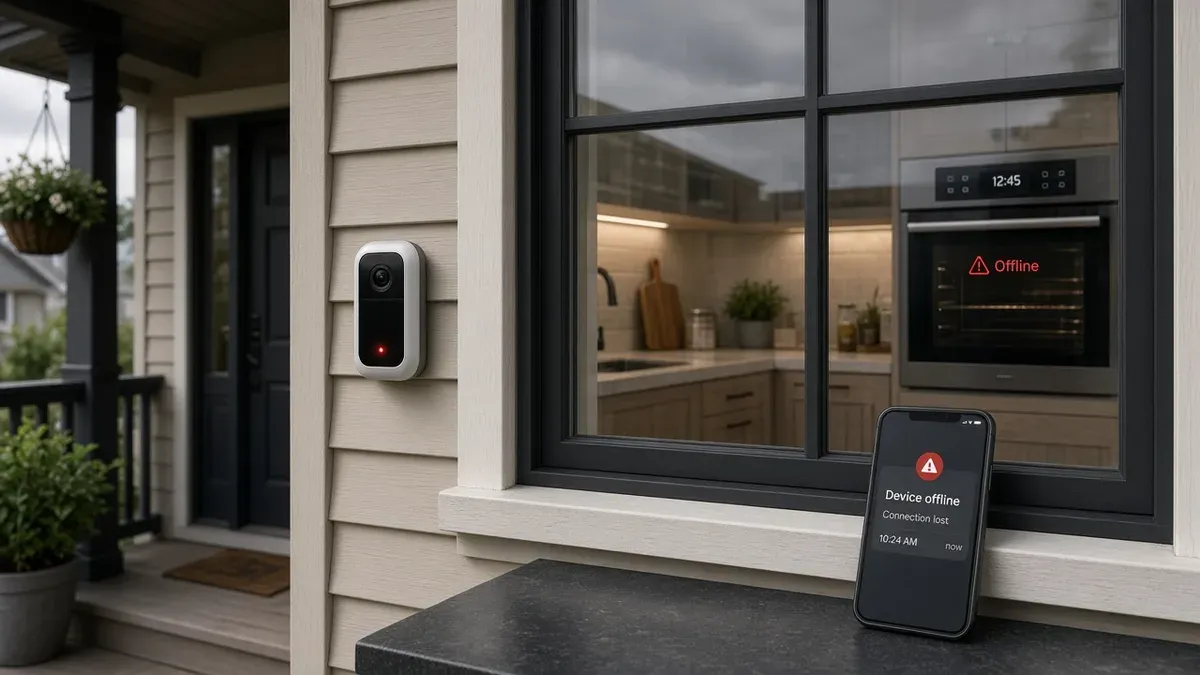
Deauth affects availability — devices may show offline even though the passphrase was never cracked. - Evil twin / rogue access points. A nearby attacker can broadcast a convincing SSID and capture credentials or push a captive portal. Mitigations include verifying router settings, using unique SSIDs, and segmenting IoT — see NIST wireless LAN guidance below.
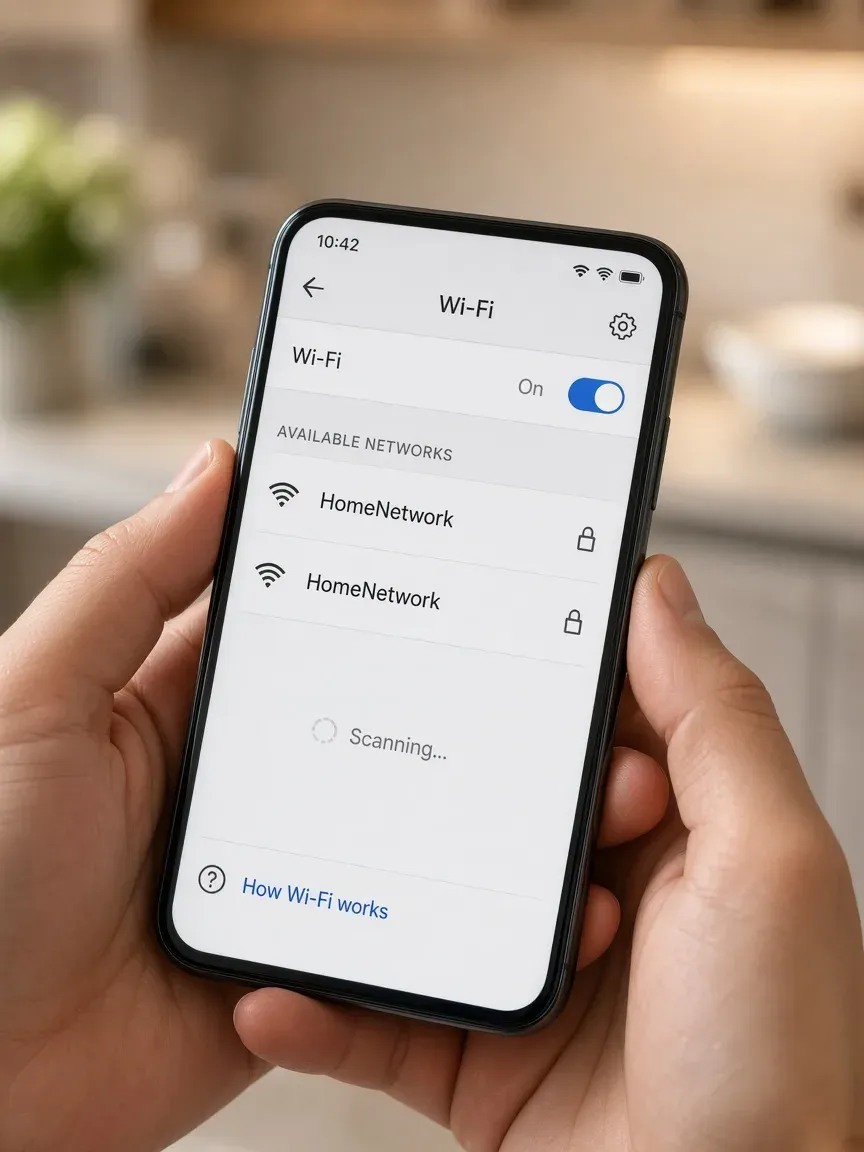
Two similar names on a phone — always confirm which AP is yours before joining.
WPA3-Personal and Enterprise
WPA3-Personal uses SAE (Simultaneous Authentication of Equals), which greatly improves resistance to offline guessing compared with WPA2’s 4-way handshake, and mandates PMF for certified WPA3 gear. Wi-Fi Alliance overview: Wi-Fi Alliance — Security · WPA3 announcement.
Dragonblood (2019). Follow-on research found implementation flaws in early WPA3 / SAE stacks (downgrade and side-channel classes). Vendors patched affected firmware; owners should still install router and IoT updates. Primary reference: Dragonblood (Vanhoef & Ronen).
What owners can do
| Priority | Action | Why it matters |
|---|---|---|
| 1 | Use a long random passphrase (or WPA3-SAE where supported) | Reduces offline PSK cracking if a handshake is ever captured |
| 2 | Install router and device firmware updates | Closes KRACK-class bugs and Dragonblood-era implementation flaws |
| 3 | Enable PMF (802.11w) — capable or required on the AP when clients allow | Hardens against forged deauth/disassoc on many WPA2 networks; mandatory under WPA3 |
| 4 | Segment IoT on a dedicated VLAN or guest SSID with firewall rules | Limits lateral movement if one gadget is compromised |
| 5 | Prefer WPA3 or WPA2/WPA3 transition only when every client supports it | Avoid WPA3-only SSIDs that brick older 2.4 GHz IoT until vendors document support |
Primary sources (verified Oct 20, 2026)
| Topic | Reference |
|---|---|
| WEP obsolescence | Wi-Fi Alliance — Security (WEP not permitted under current programs) |
| KRACK / WPA2 handshake | krackattacks.com · CERT VU#228519 |
| WPA3, SAE, PMF | Wi-Fi Alliance Security |
| Dragonblood (WPA3 implementation) | wpa3.mathyvanhoef.com |
| Wireless LAN security (rogue AP, segmentation, unauthorized access) | NIST WLAN guidelines (SP 800-153) |
| Protected Management Frames (802.11w) | IEEE 802.11w amendment; summarized in Wi-Fi Alliance security materials above |
Risk illustrations above are AI-generated scenes for education (not incident photos). Related: WPA3 upgrade checklist · Guest / IoT Wi-Fi isolation.
Published flaws worth knowing
| Issue | Affected gear | Fix / status | Source |
|---|---|---|---|
| CVE-2025-8320 / ZDI-25-711 — network-adjacent RCE via HTTP Content-Length parsing | Tesla Wall Connector | Fixed in firmware 24.44.3 | ZDI-25-711 |
| CVE-2025-8321 / ZDI-25-712 — firmware downgrade (physical presence); chainable with other bugs | Tesla Wall Connector | Fixed in 24.44.3; Synacktiv research on downgrade path | ZDI-25-712 · Synacktiv |
| CVE-2026-19918 — gRPC management access control on LAN (low severity) | Starlink Router Gen 3 | Patch status via vendor; LAN-adjacent | CVE-2026-19918 · NVD |
| CVE-2025-67780 — unauthenticated LAN gRPC admin actions (disputed by vendor) | Starlink Mini dish firmware called out in CVE text | Treat LAN as hostile; segment | CVE-2025-67780 |
Past Wall Connector bugs are a reminder to stay on current firmware and keep chargers off trusted office VLANs even after patches.
The Powershare catch (same-Wi-Fi requirement)
Tesla’s Powershare application note states that Powerwall and Wall Connector must be on the same Wi-Fi network for Powershare to work properly, and installers must not run communication wiring between Wall Connector and Powerwall (Powershare overview).
That means a security-minded owner cannot fully Ethernet-only a Powershare pair today: both devices share a 2.4 GHz–oriented Wi-Fi segment. Mitigation: place that SSID on a dedicated IoT VLAN with no route to workstations, WPA2-Personal (or stable WPA3 after confirmed firmware), and monitoring for rogue joins.
A 10-minute checklist
- Ethernet first — Powerwall 3, Cerbo GX, SPAN: cable to a switch port on an IoT VLAN before relying on Wi-Fi.
- Isolate IoT — separate SSID/VLAN for chargers, batteries, inverters, and Starlink CPE; deny access to file shares and RDP.
- Turn off hotspots and Bluetooth you do not use (Cerbo AP, Wall Connector commissioning Wi-Fi when done, Victron Bluetooth if VRM/Ethernet covers monitoring).
- Change default PINs — VictronConnect Bluetooth PIN; any printed hotspot passwords on labels should be treated as public once installed.
- Update firmware — Wall Connector (silent OTA), Venus OS (v3.85+ when applicable), Starlink app/router/dish, SPAN OTA.
- Starlink bypass — when possible, bypass Starlink Wi-Fi and front your LAN with a WPA3 router; keep the dish/router on its own segment.
- Prefer WPA3 when buying new routers and APs — but keep a WPA2-only 2.4 GHz SSID for legacy energy IoT until each device proves WPA3 mixed-mode stability.
- Eligible Texas businesses documenting security programs with counsel: SB 2610 may help limit exemplary damages for eligible businesses that maintain a documented cybersecurity program; not legal advice or a guarantee.
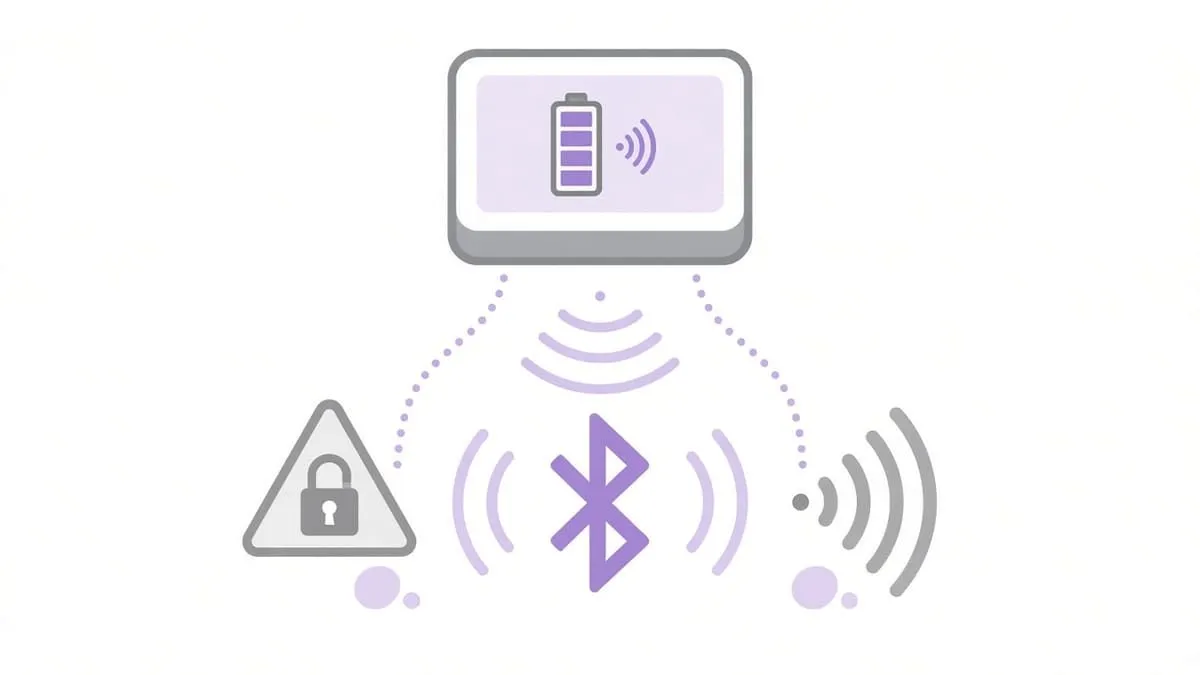
Illustration only.
MFA: YubiKey and Google Authenticator
Grades follow our MFA directory: Pass = documented authenticator-app TOTP; Strong = FIDO2 / YubiKey; Fail = SMS/email-only or no enrollable MFA in public docs.
| Platform | Grade | Security key | Authenticator |
|---|---|---|---|
| Tesla account | Pass | No — “security key” in MFA setup is a manual TOTP seed, not FIDO2 (Tesla MFA support) | Yes — Google Authenticator and peers named |
| Starlink account | Fail | Not published in Two Step Verification help reviewed | No — email (and SMS in some cases) codes (Two Step Verification) |
| Victron VRM portal | Pass | Not published | Yes — authenticator app option documented (two-step verification) |
| SPAN Home app account | Fail | Not published | Not published — email/password setup only in support articles reviewed (account setup) |
Strong device Wi-Fi does not fix a weak cloud account that can change charging, export history, or reconfigure panels.
Independent cybersecurity audits
We audited on November 2, 2026 via audit.emailmenow.com. 100% is the ideal — none reach it. Scores reflect email and website transport, not whether a Wall Connector supports WPA3.
| Organization | Domain | Overall | vs 100% |
|---|---|---|---|
| Tesla | tesla.com | 66% | −34 |
| Starlink | starlink.com | 87% | −13 |
| Victron Energy | victronenergy.com | 68% | −32 |
| SPAN | span.io | 52% | −48 |
| Domain | Identity | Transport | Website |
|---|---|---|---|
| tesla.com | 85% | 15% | 39% |
| starlink.com | 95% | 15% | 95% |
| victronenergy.com | 90% | 15% | 37% |
| span.io | 50% | 15% | 37% |
Audit links: tesla.com · starlink.com · victronenergy.com · span.io
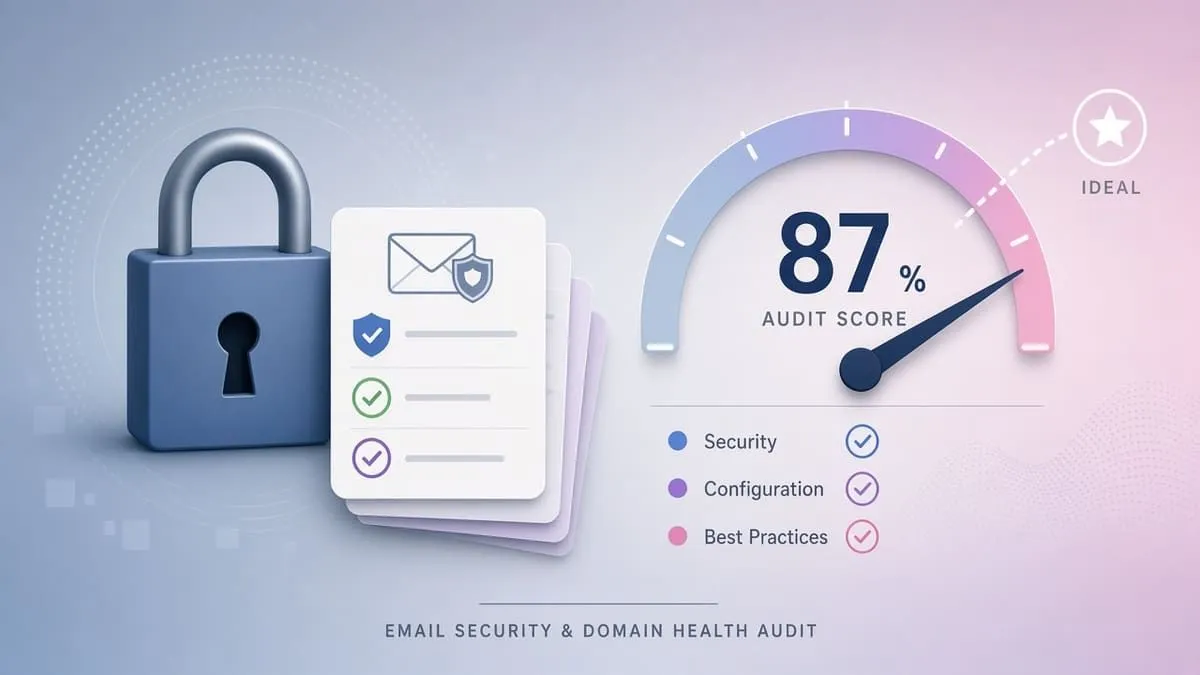
Illustration only — scores are in the tables above.
Website stack note
Passive website-tech probes on November 2, 2026 (--deep --fresh) for the audited marketing domains. Public site fingerprints are not the same as Wall Connector, Powerwall, Cerbo, SPAN panel, or Starlink router WPA posture.
| Domain | Stack signal |
|---|---|
| tesla.com | Cloudflare edge; CMS undetected (low fingerprint confidence); TLS valid (DigiCert, expires 2027-05-06); no public security.txt |
| starlink.com | Cloudflare edge; CMS undetected; TLS valid (Let’s Encrypt, expires 2027-01-29) |
| victronenergy.com | Next.js (X-Powered-By exposes stack — patch admin paths and MFA); no automated CMS version check; TLS valid (DigiCert, expires 2027-04-14) |
| span.io | Webflow (SaaS-managed core — still review apps and account MFA); TLS valid (Google Trust Services, expires 2026-12-21, ~48d); no public security.txt |
Blacklist and lookalike domains
Email blacklist (public DoH, November 2, 2026): tesla.com, starlink.com, victronenergy.com, and span.io — all clear (0 mail/domain hits on checked lists).
DNS lookalike scan (BEC profile, registered only):
| Brand domain | To review | BEC staging | Notes |
|---|---|---|---|
| tesla.com | 82 | 3 (te5la.com, telsa.com, tes1a.com) | Registered lookalikes are investigate, not proof of active fraud |
| starlink.com | 85 | 4 (star1ink.com, starlinek.com, starlinkk.com, tarlink.com) | estarlink.com redirects to brand — likely owned |
| victronenergy.com | 11 | 0 | Several typo TLDs redirect to brand |
| span.io | 39 | 1 (spans.io) | Short .io names — extra typosquat risk |
Continuous monitoring: Cybersquat Domain Monitoring.
Related coverage
- WPA3 upgrade checklist
- Guest Wi-Fi isolation risks
- ISP customer-router public hotspot risk
- Subaru STARLINK telematics takeover — different product from SpaceX Starlink
Check your domain free at audit.emailmenow.com, or see automated reports and monitoring.
Sources: Tesla Energy Library and tesla.com support pages linked above; Victron manuals and community release notes; Starlink public specification PDFs; ZDI/Synacktiv/CVE/NVD records; ECO-WORTHY manual and App Store listing (user report labeled); PCMag Router 4 reporting; Not a Tesla App Wall Connector 26.2 WPA3 note (unofficial). Independent EmailMeNow audits, website-tech probes, blacklist, and cybersquat scans November 2, 2026. No affiliate links.
SB 2610 may help limit exemplary damages for eligible businesses that maintain a documented cybersecurity program; not legal advice or a guarantee.